Order Columns
Rearrange the order of the columns at the end of the all the pipeline steps to make the table understandable
The view of the order columns will look like the one below
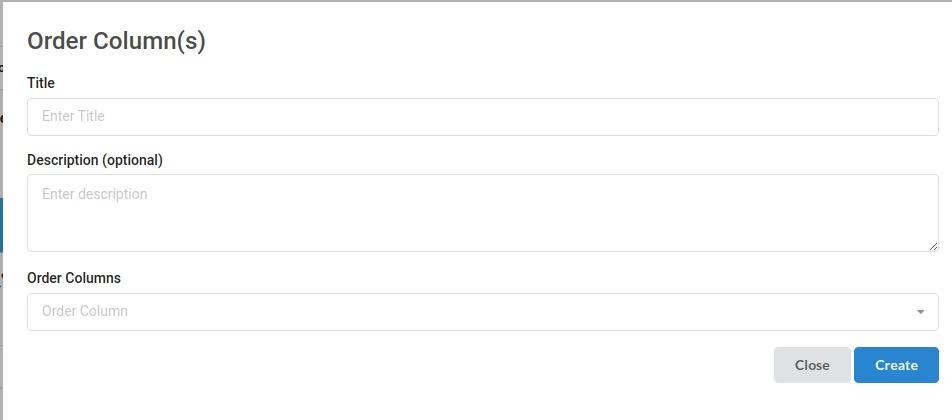
Sub View under Order columns:
- Title: Usually Name of the step
- Description: Jot down any specifics you want from the step.
- Order Columns: Select the columns in a order you wish to see the output dataframe
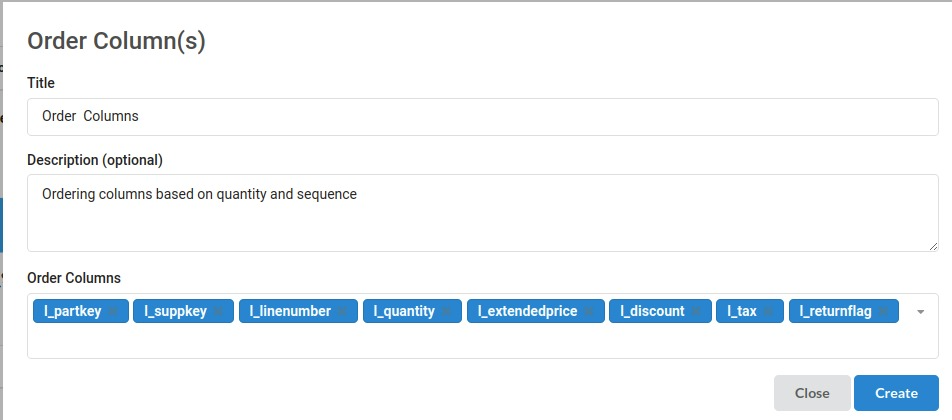
The filled step would look like the one below