Filter
The Filter transformer as the name suggests allows you to filter records from the dataset with a simple visual interface.
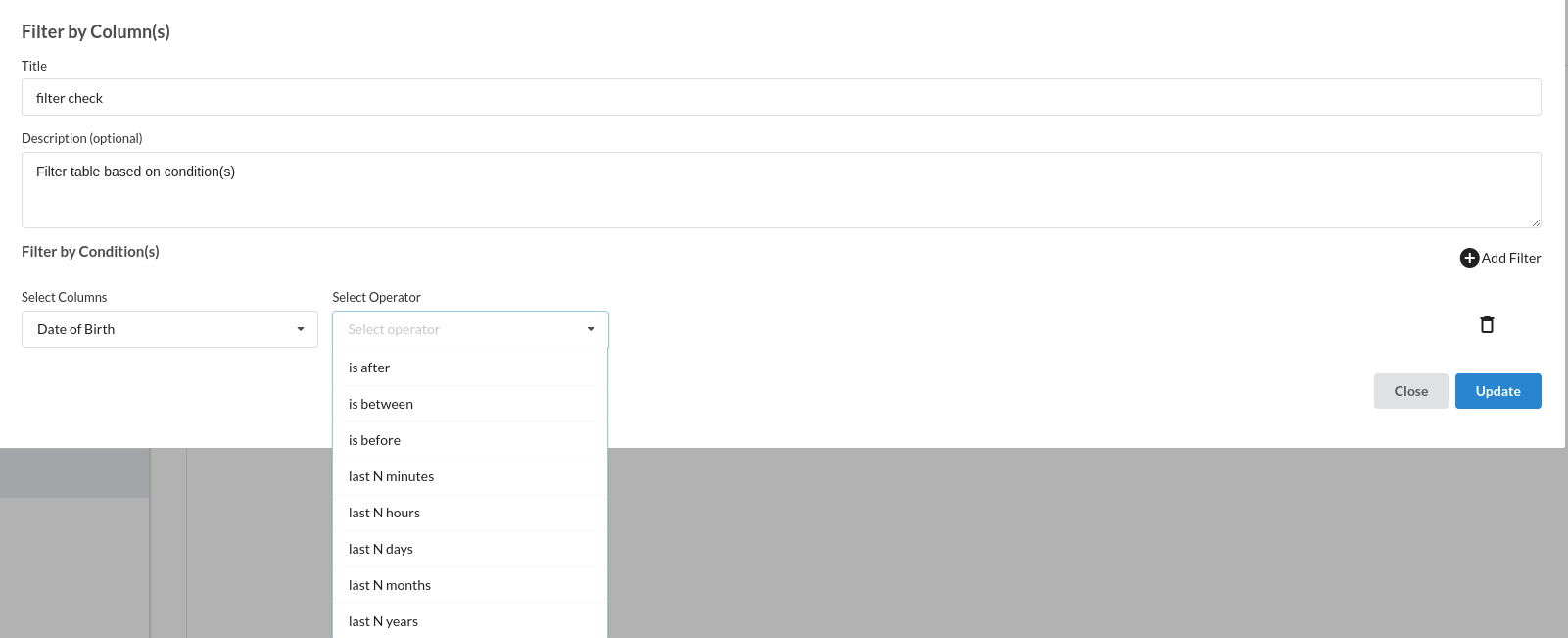
Filter Transform dialog is shown as below:
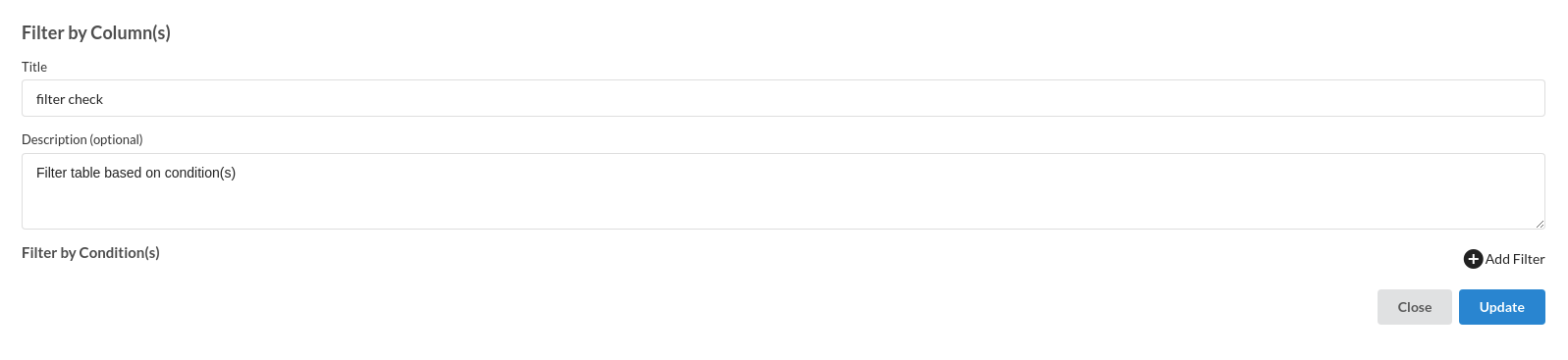
- Enter Title like most of the other transforms. Ensure that the Title is uniquely identifying the step
- Enter Description to provide further information for this particular step. This is helpful in ensuring the transform step is readable in a complex workflow, ensuring readability. This step however, is Optional.
- Add Filter. This option is used to add as many as filter user wants to have.
- Select Column. This field is used to select the column name from which the user wants to filter the table.
- Select Operator.This field allows the user to select multiple filter options.We support filters different datatypes like numerical,categorical and datetime.
- Right Value(s). This field is works on filtering based on row values . we support one value for each filter.
- delete Icon. This icon can be used to delete the filter created .
- Click Create to add the step to the recipe.
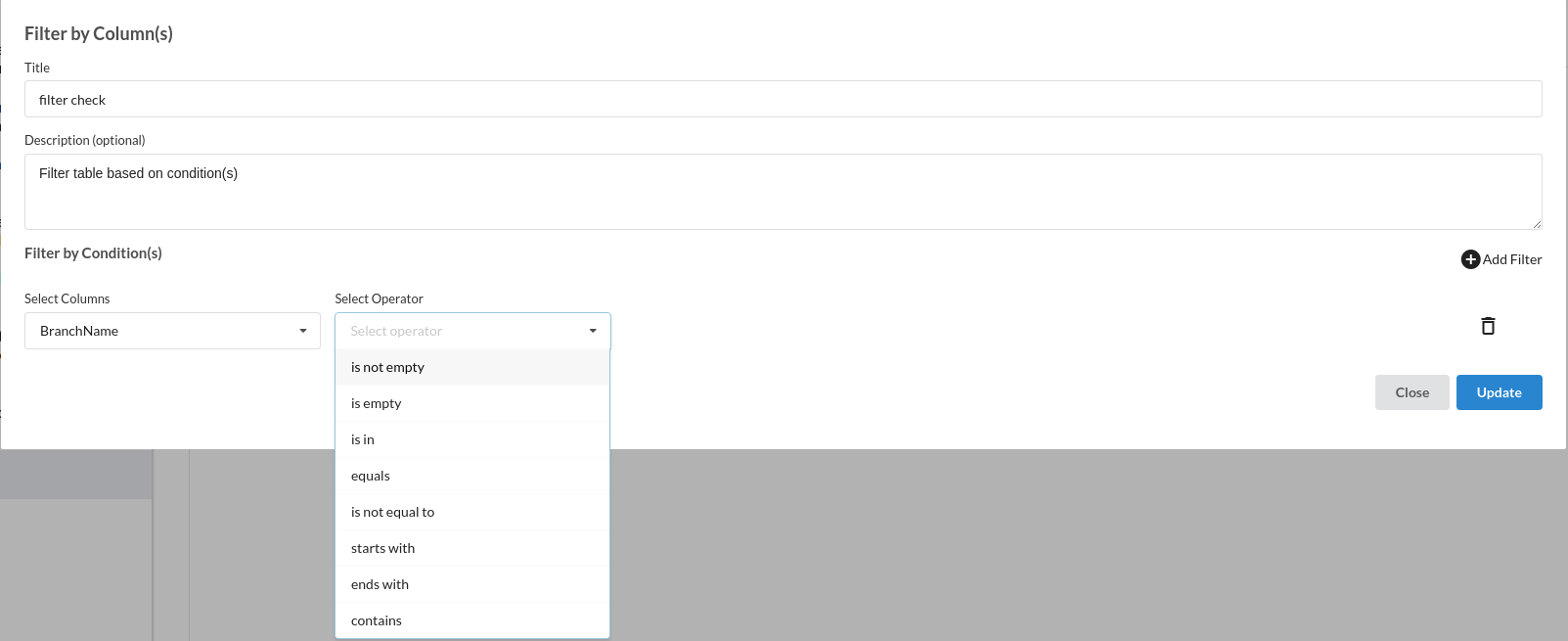
For any categorical variables we support :
- Is not empty
- Is empty
- is in
- equals
- is not equal to
- starts with
- ends with
- contains
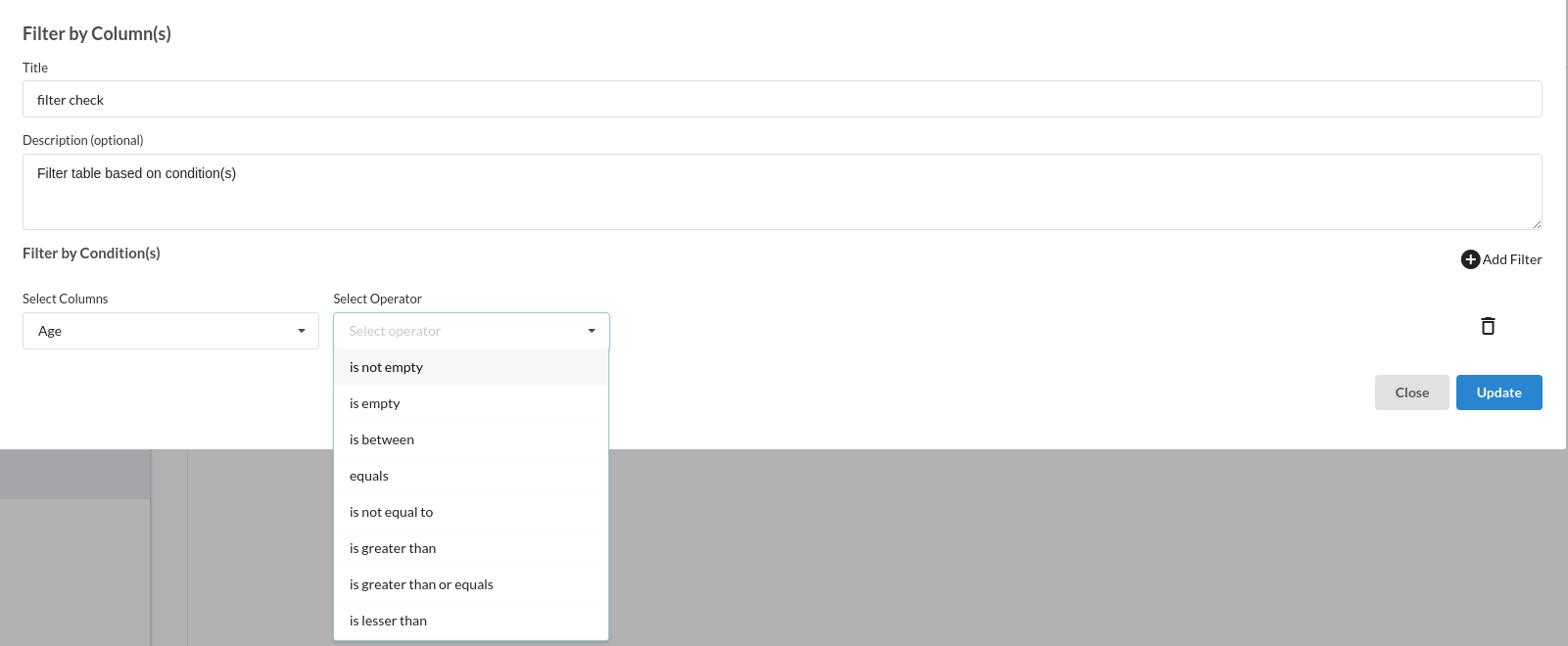
For any numerical variables we support :
- is not empty
- is empty
- is between
- equals
- is not equal to
- is greater than
- is greater than or equals
- is lesser than
- is lesser than or equals
For Datetime variables we support:
- is not empty
- is empty
- equals
- is after
- is between
- is before
- last N minutes
- last N hours
- last N days
- last N years
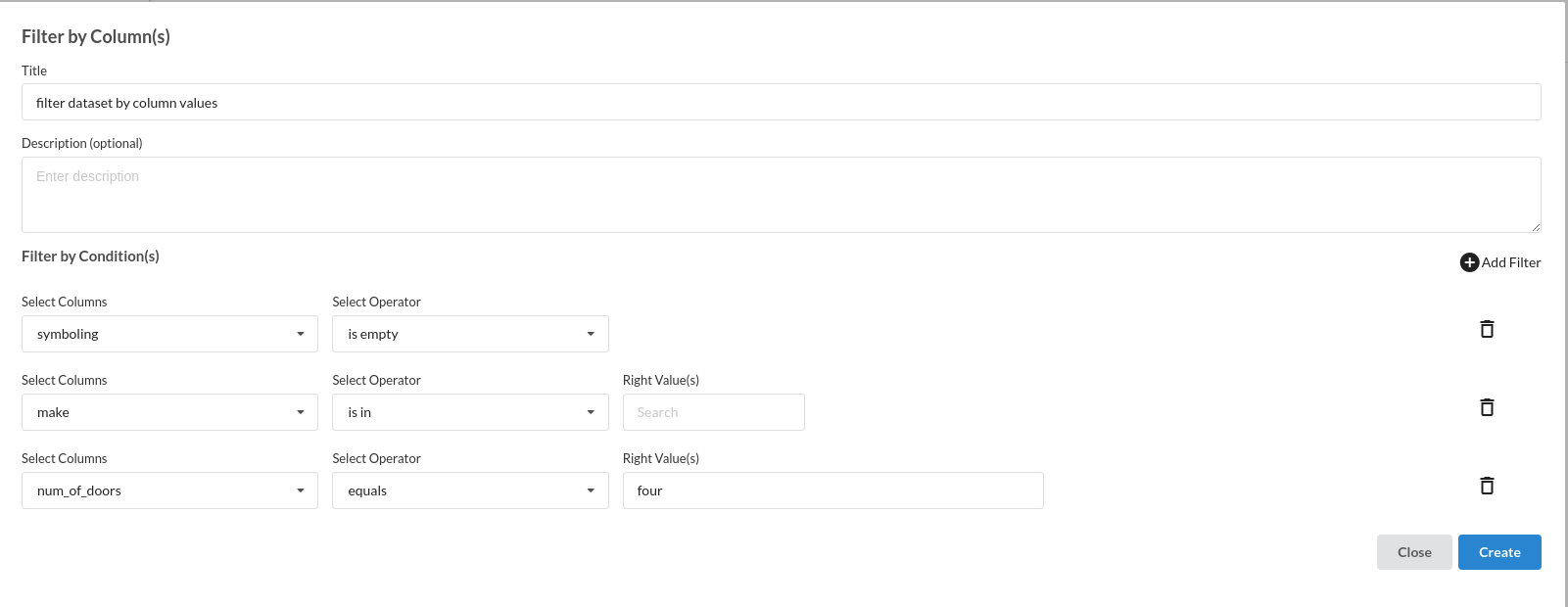
A filled step would look like the one below: